Slots
Slot returns differ by provider and reel setup. Check the in-game help page for each title because feature frequency, volatility and stated return can change from one room to another.
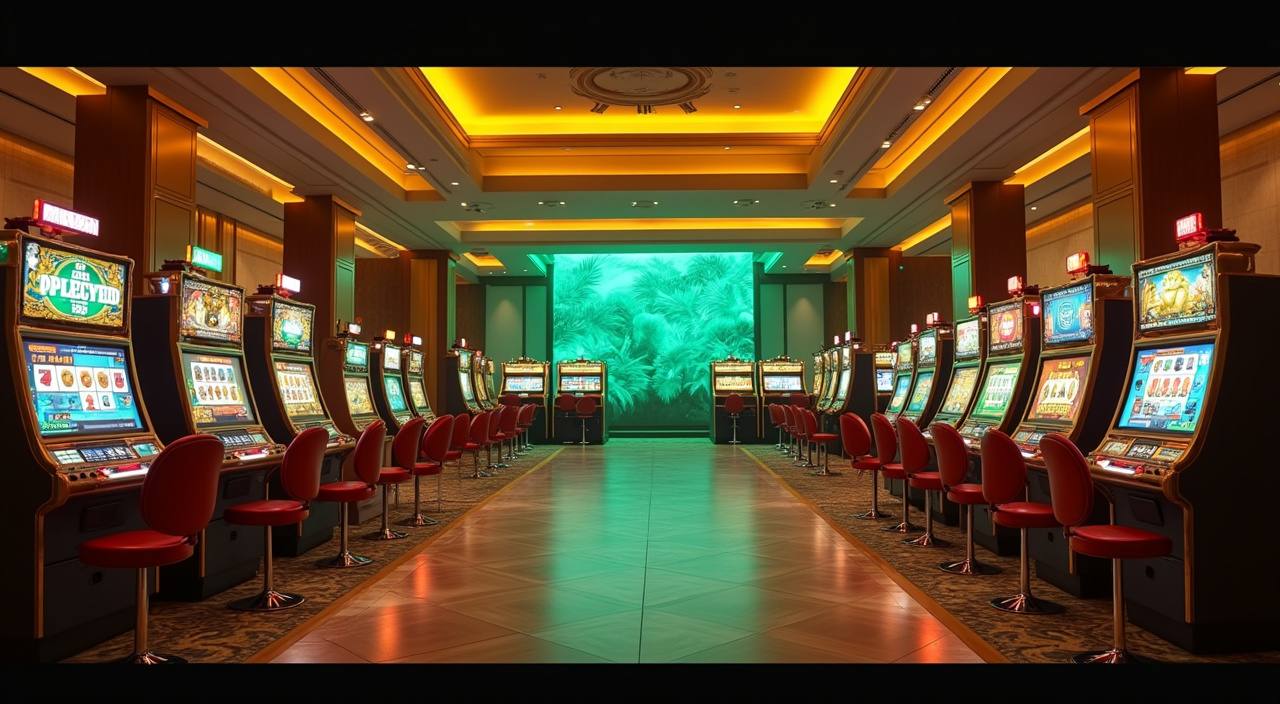
Gems Bonanza, Playtech Roulette, Football Studio and Dragon Fishing sit beside our sportsbook, with Touch 'n Go, GrabPay, Boost and FPX ready…
The lobby starts with casino categories because they are the rooms most people check first.
Open fan-favourite slot rooms such as Gems Bonanza, fruit-style reels and theme slots from studios you recognise. Filters help you find new releases or familiar titles faster.

Live Baccarat, Roulette and game-show style tables stream from studio rooms with visible limits and seat details. Check the table card before entering so the pace suits you.

Some slot-feature rooms carry larger prize pools or special reel mechanics. We label them clearly so you can separate standard reel games from rooms with added features.

Playtech Roulette, Baccarat and classic card tables are grouped for quick access. The layout shows table type, minimum stake and whether the room is live or RNG.

Cash or Crash, Crazy Coin Flip and similar quick rounds suit short sessions. These games rely on timing and clear controls, so we keep their rules close to the launch button.

Dragon Fishing and other shooting-style rooms sit in a separate tile. They work well on mobile when you want a game with visible targets and simple controls.
Open the lobby to find slot rooms, live tables, fishing games, arcade rounds and sportsbook markets arranged for quick switching.
Pragmatic Play, PG Soft and Playtech headline many rooms, with regional studios adding slots, fishing and arcade formats.
Explore promotions across slots, live dealer and fishing games. Terms apply.
Open account Member promotions for football, esports and live in-play markets. Terms apply.
Open accountThe cashier is built around names you already use in Malaysia. Deposits through Touch 'n Go, GrabPay, Boost and FPX usually clear in under a minute…
Create your free account in under a minute.
Top up with your preferred local payment method.
Pick from slots, live casino, sports and more.
Enjoy fair play with instant results.
Cash out quickly to your account.
Some pages answer practical questions faster than chat. We keep the main help areas close to the lobby so you can check rules, promo timing, cashier status and account settings…
Your first visit should feel clear. We keep the account form short, show the cashier after login, and place the main lobby buttons where you can reach them on mobile.
When something needs checking, the fastest answer usually comes from choosing the right route.
Most account checks happen on a phone, so our mobile layout keeps the lobby, cashier, promo board and support within thumb reach.

Seamless on phone, tablet and desktop — no download required to start.

Security starts with the account, not the slogan. We protect login sessions, ask for checks on sensitive changes and keep support close to the cashier when a transfer…
Finding games through random links can create account confusion. We keep the main rooms, cashier and help routes inside one signed-in area, so your balance and records stay…
Return-to-player figures vary by title, studio and game design. We treat them as reference points, not promises.
Slot returns differ by provider and reel setup. Check the in-game help page for each title because feature frequency, volatility and stated return can change from one room to another.
Live table outcomes follow the rules of the table being streamed. Baccarat, Roulette and game-show rooms each display different mechanics, limits and published game details.
Classic RNG tables usually show rules inside the help panel. Read payout tables carefully, especially where side bets or special rule variants are offered.
Crash and quick arcade games show multiplier or round mechanics before entry. Their pace is fast, so check the rule panel before placing any stake.
Fishing games use target values, weapon levels and room settings. The return profile depends on the title, so read the help screen for the specific room.
city44 is shaped for Malaysia, with cashier options and support wording that match local account habits. Access can vary by location, device and local law, and it is available only where local law permits. If you travel between states or use a new network, log in normally and check the account page before opening a room. The map area helps frame our Malaysia focus without pretending every location works the same way.
Our homepage is not built to overwhelm you. It points you to the parts that matter before you create habits: the game rooms, account area, cashier…
Search helps when you know the title or studio name. It is useful for returning to Gems Bonanza, Dragon Fishing or a specific roulette room.
Current offers are shown on a dedicated board with terms attached. Check it before you start so you know which game category is involved.
The cashier displays transaction movement so you can see whether an action is pending or completed. This reduces guesswork when a wallet app is slow.
Table cards show the game type and room details before entry. That helps you choose Baccarat, Roulette or studio games with fewer misclicks.
The mobile menu keeps account, cashier and support buttons close together. It is designed for quick checks between short sessions.
Support links are placed near account tools and cashier history. When you need help, you do not have to search through the game lobby first.
These answers focus on the home experience: opening an account, finding games, using local cashier options and getting help when something needs checking. If your question involves account access, eligibility depends on local law and is available where local law permits.
Start from the lobby tile that matches your session, then use the bottom menu for account, cashier and support.
Use the main lobby button after login to see all categories. Slots appear first, with live tables, fishing, arcade and sportsbook nearby.
Open the cashier before entering games if you need to add balance or check a withdrawal. Status labels help you follow each action.
Read the promo terms, then enter the relevant category from the same area. This helps avoid starting in a game that is not part of the offer.
Use chat for urgent help and email for records. Add account phone, time and wallet reference when the question involves a transaction.